MindFreeShopping
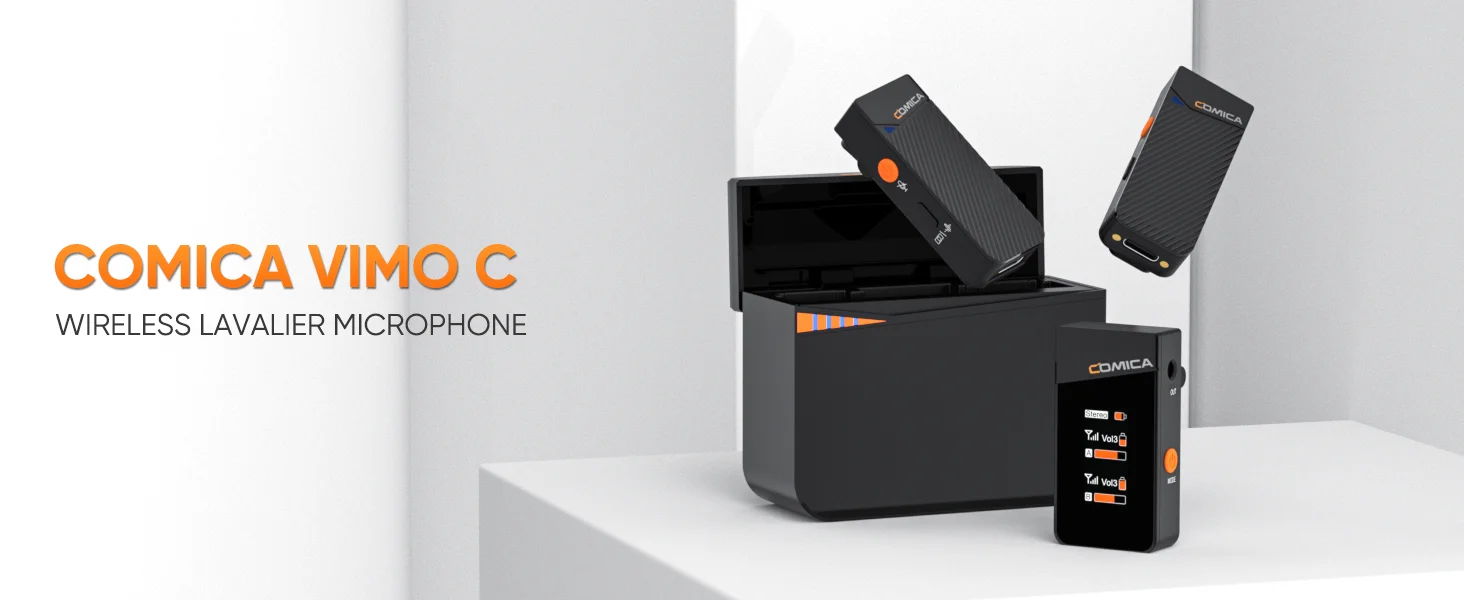
Comica Vimo C3 2.4G Wireless Lavalier Microphone Vimo C Lapel Mic for Smartphone Laptop Camera Podcast Interview Vlogger YouTube
Comica Vimo C3 2.4G Wireless Lavalier Microphone Vimo C Lapel Mic for Smartphone Laptop Camera Podcast Interview Vlogger YouTube
Couldn't load pickup availability
SPECIFICATIONS
Diaphragm: S-Mall
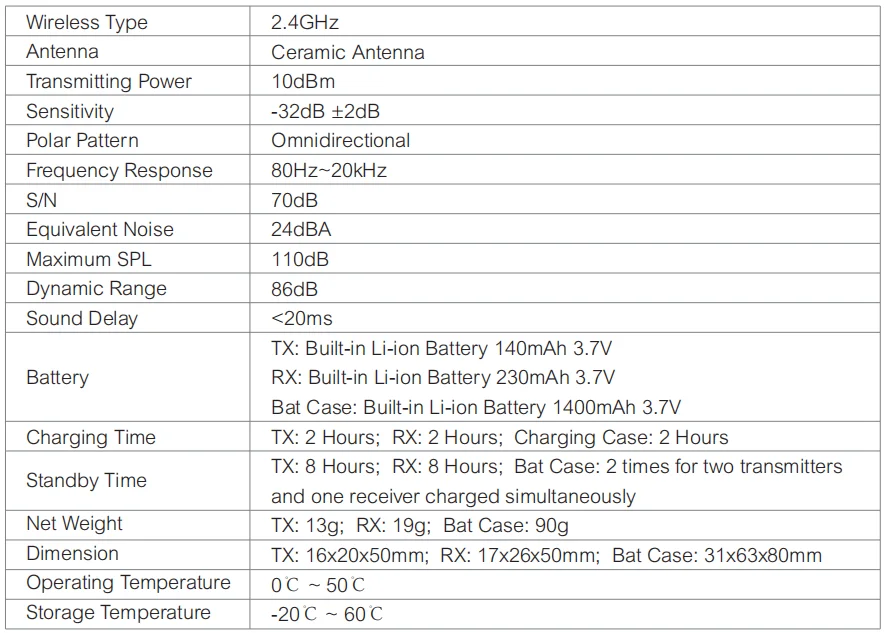
Wireless Type: 2.4GHz
Sensitivity: -32dB±2dB
Brand Name: Comica
Style: Lavalier Microphone
Package: Yes
Polar Patterns: Omnidirectional
Use: Home Studio
Communication: WireLess
Set Type: Multi-Microphone Kits
Transducer: Condenser Microphone
Origin: Mainland China
Certification: CE
Certification: RoHS
Recommend V-Lock Battery, Please Click on Follow picture:
Thanks for your cooperation!
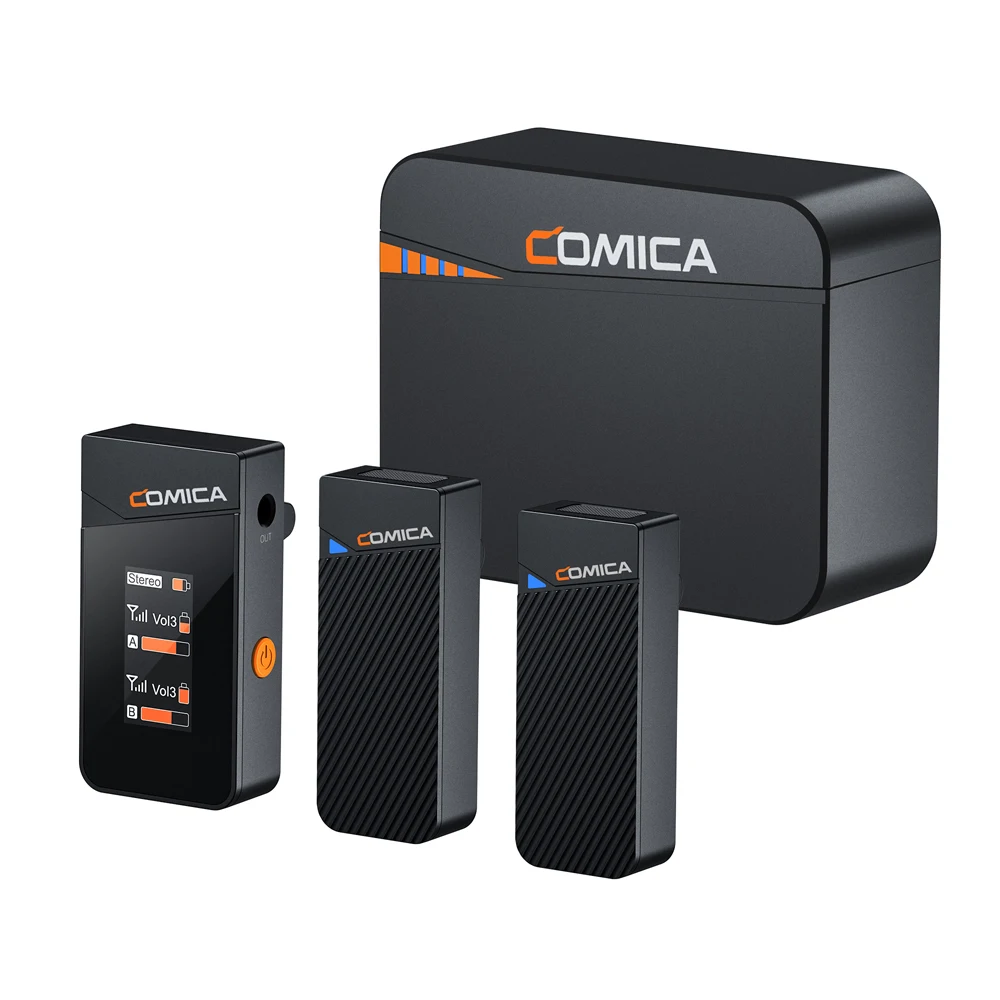
Bundle 1 ( Comica Vimo C3 Bundle ) Package Including:
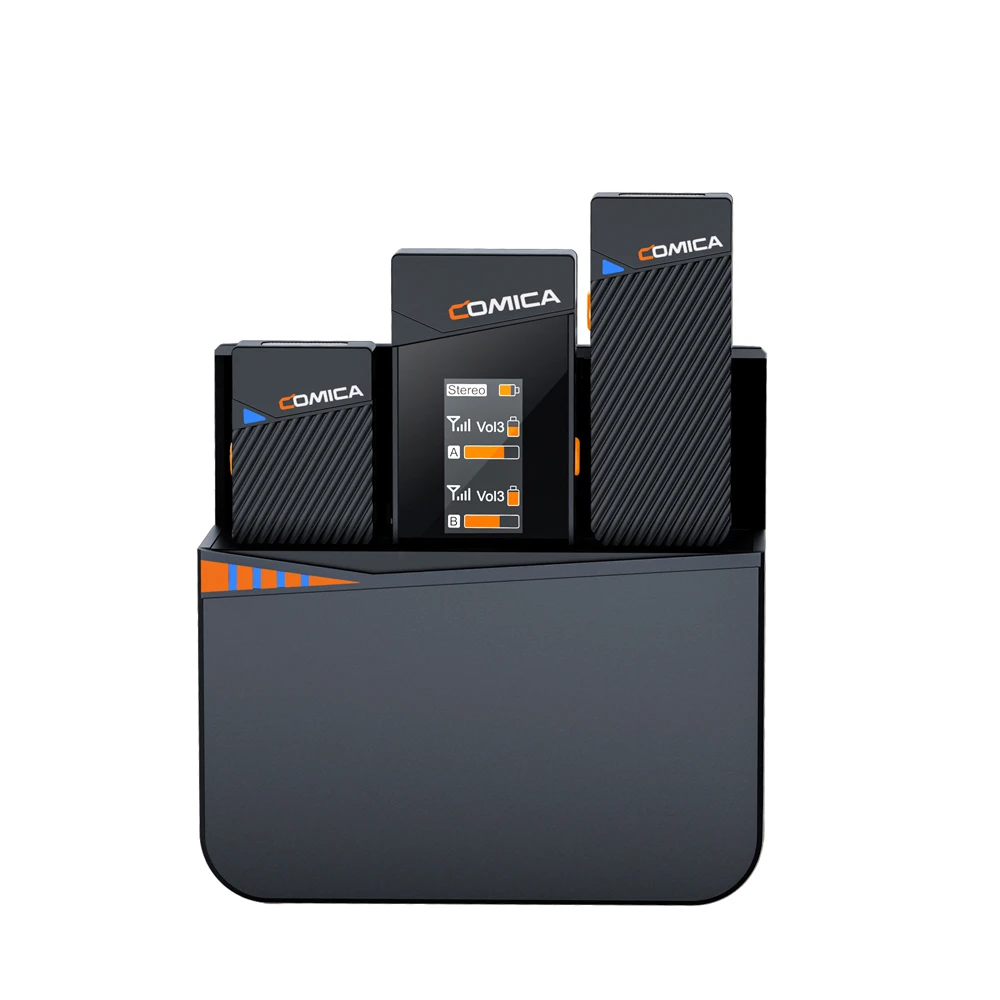
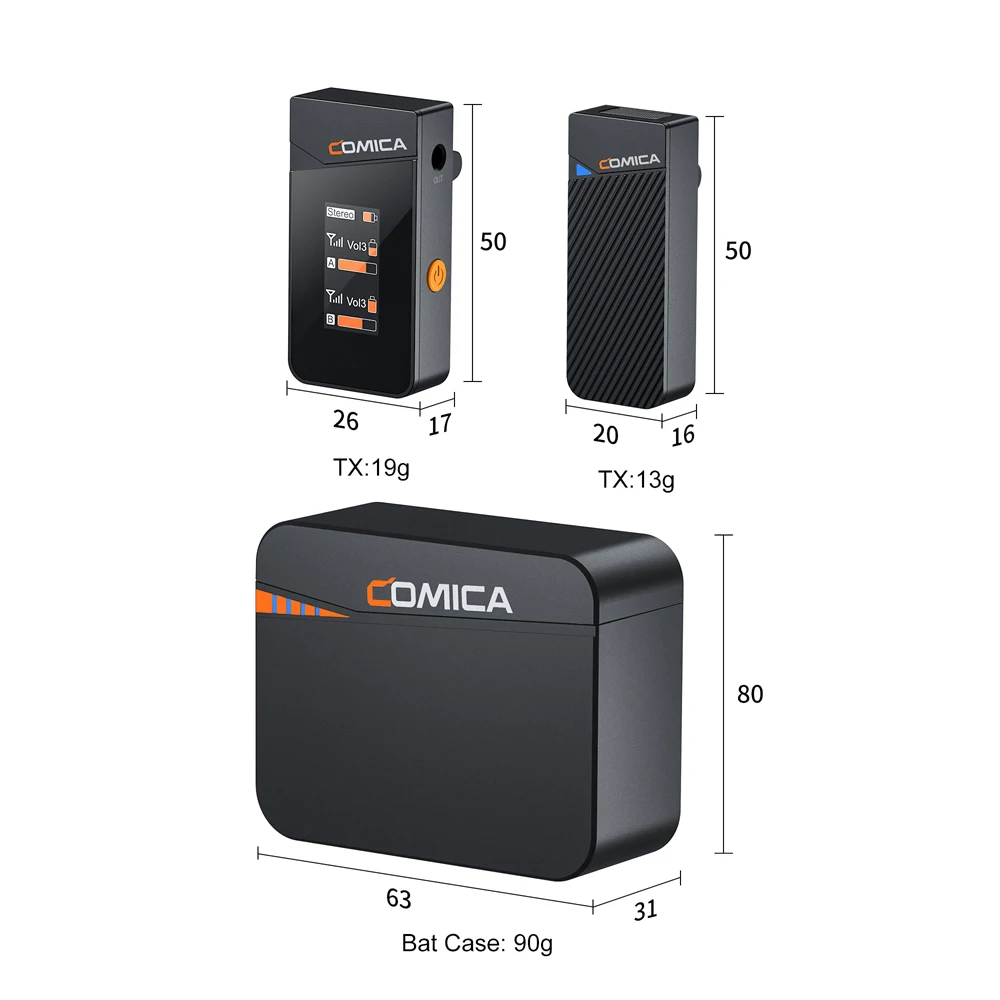
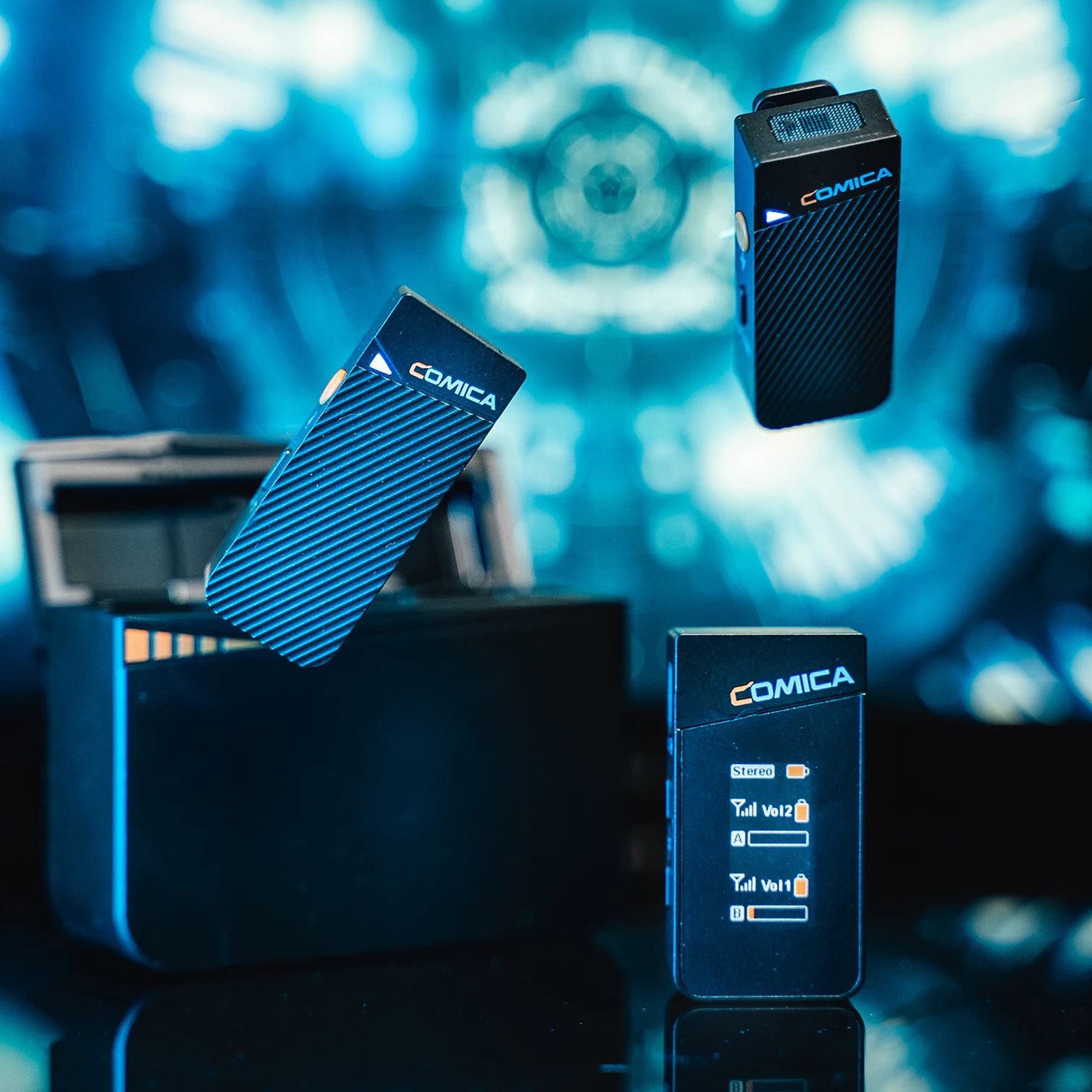
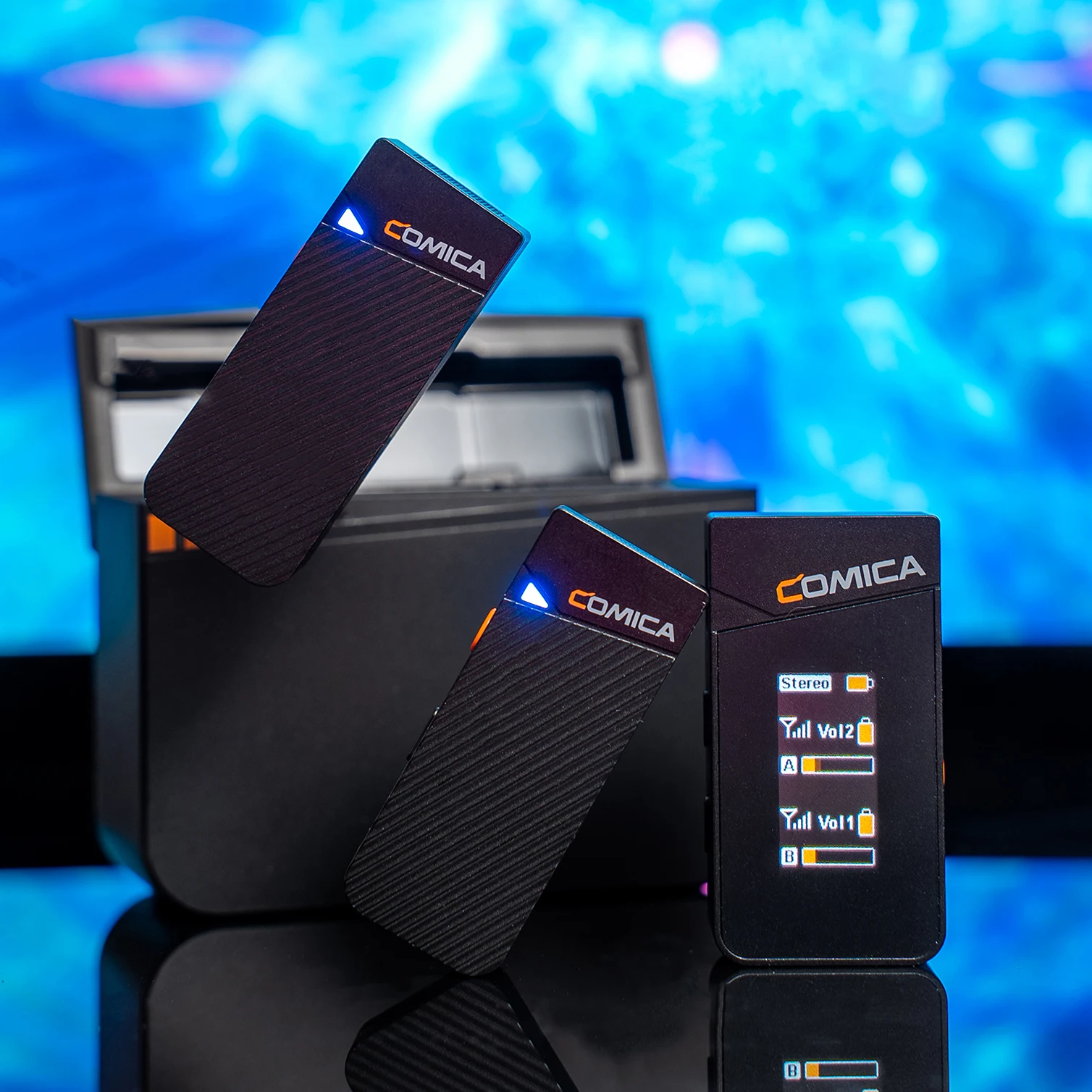
2x Transmitter(TX)
1x Receiver(RX)
1x Charging Case
1x USB C-USB A Charging Cable
2x Wind Muff
1x 3.5mm TRS-TRRS Audio Cable
1x 3.5mm TRS-TRS Audio Cable
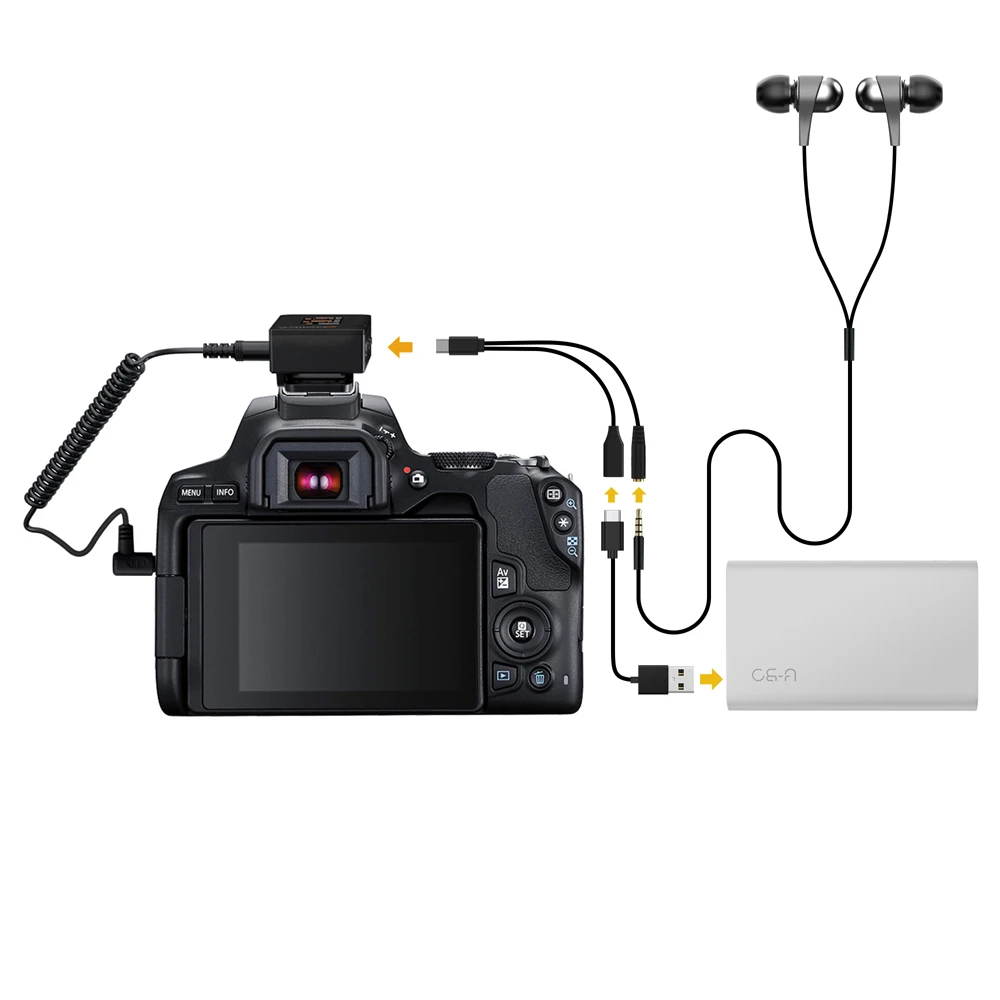
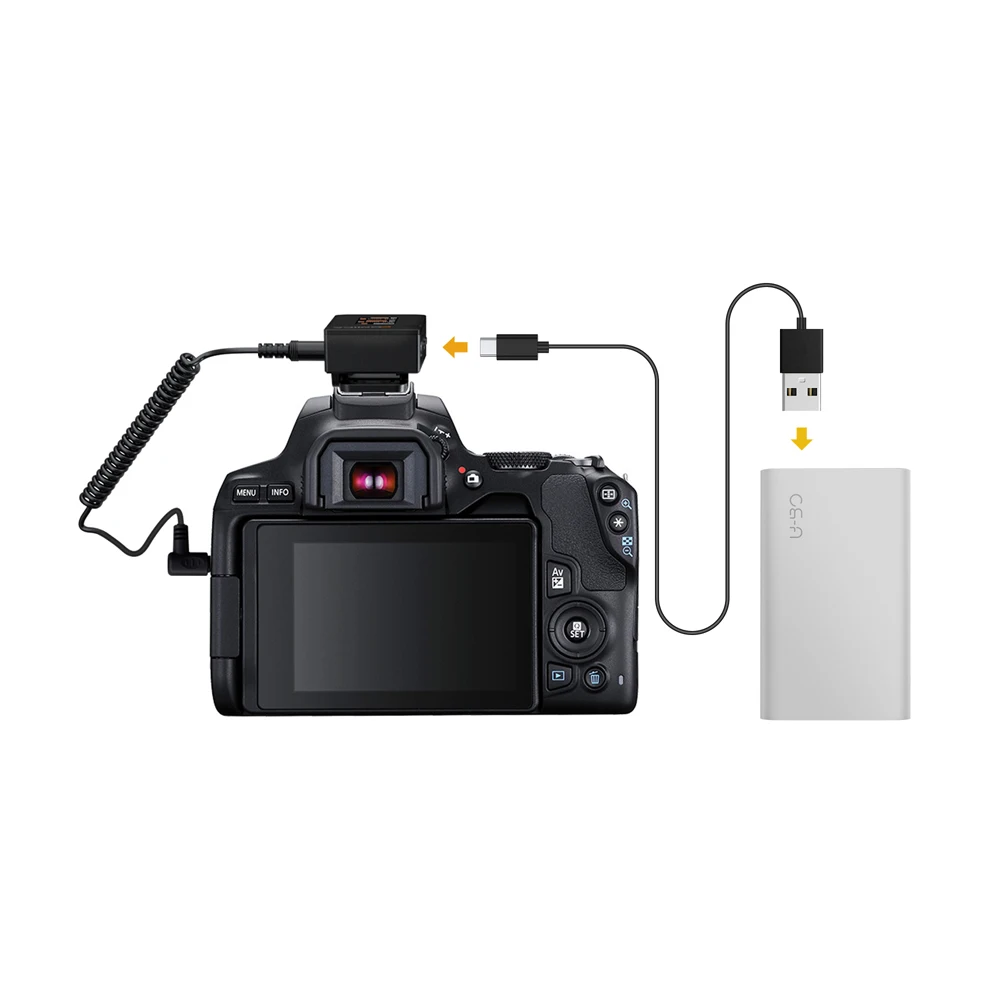
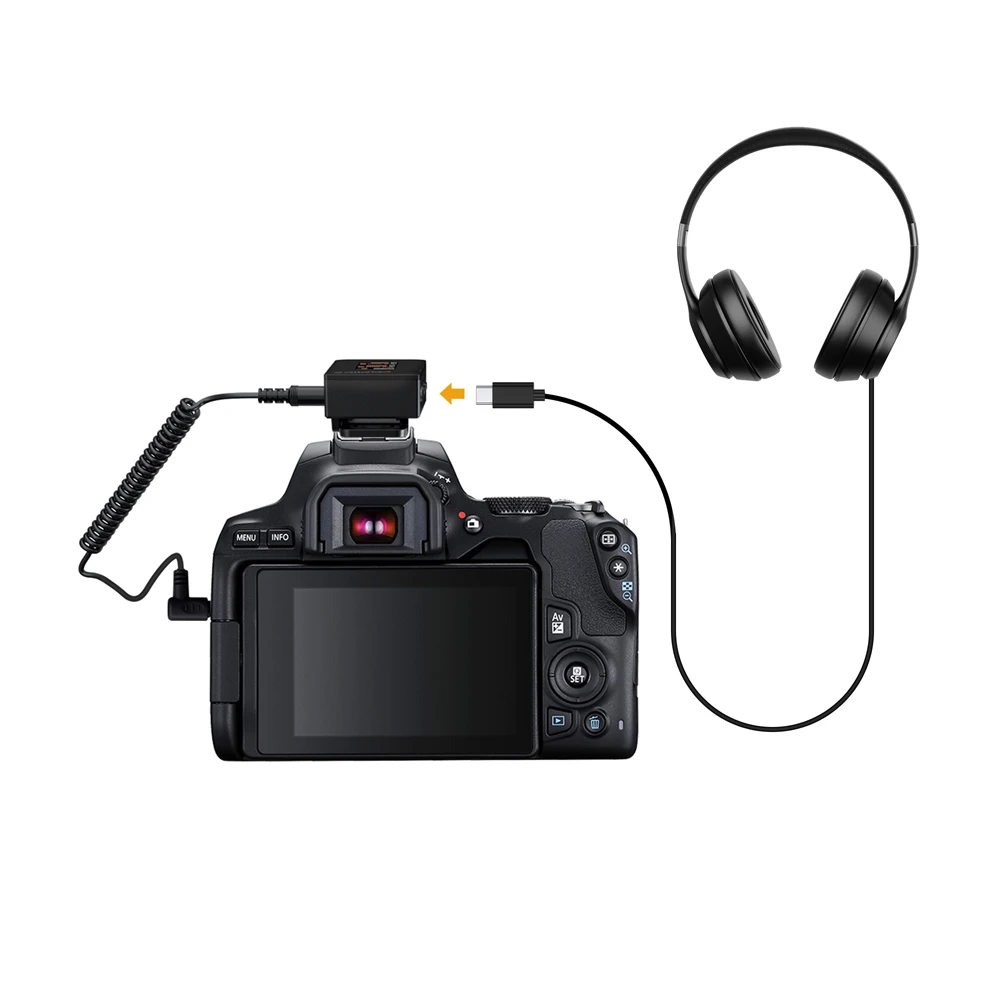
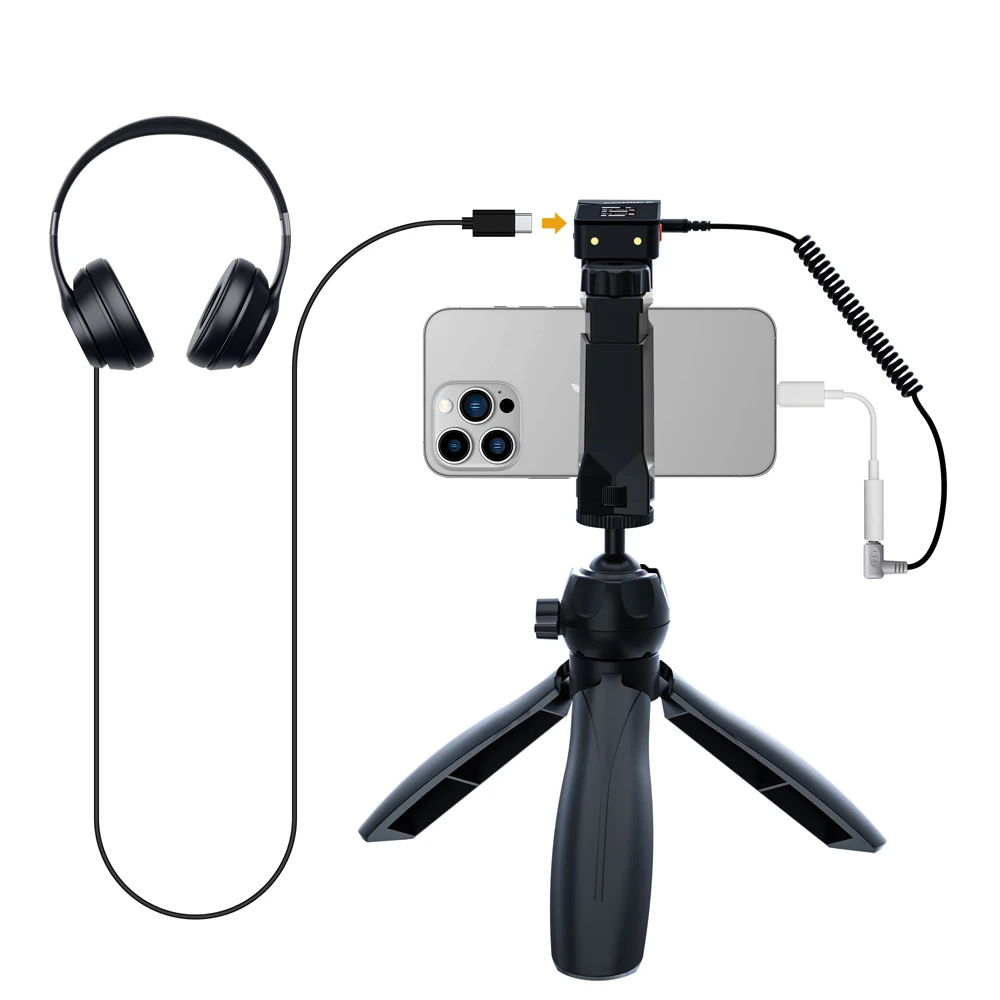
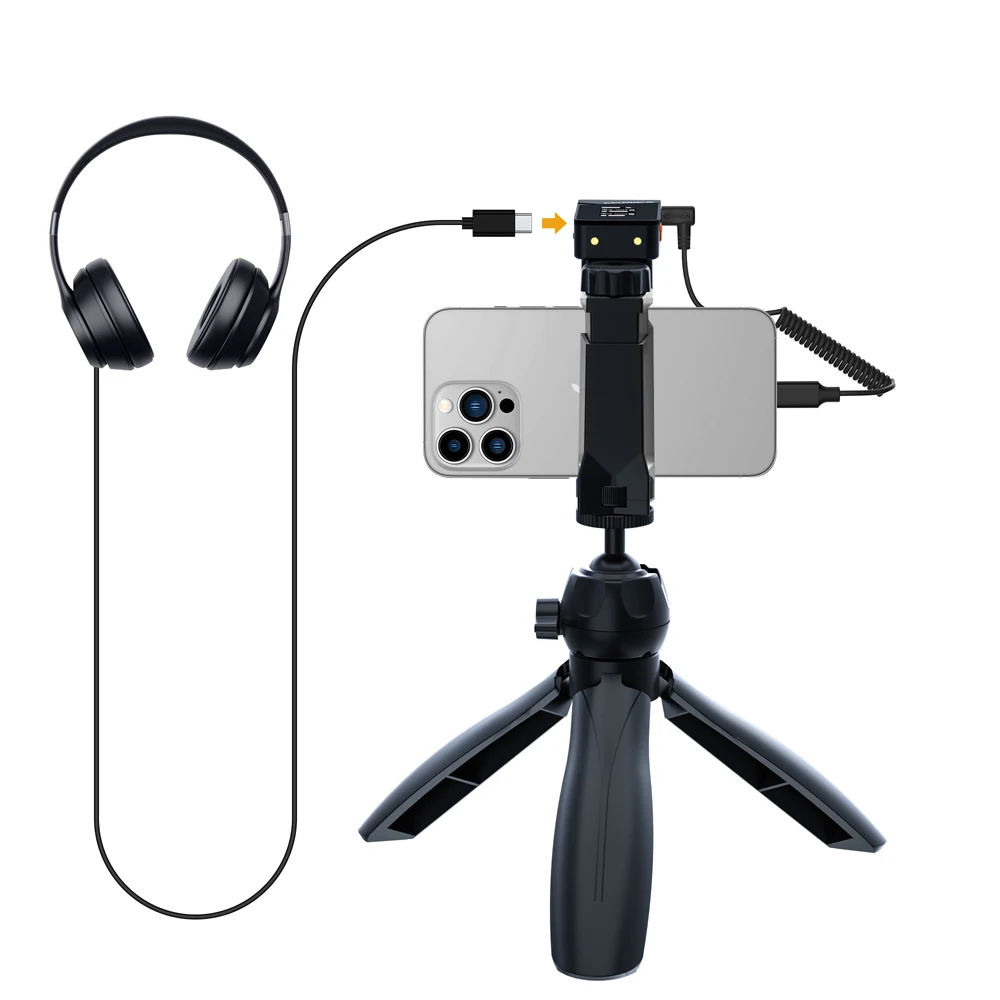
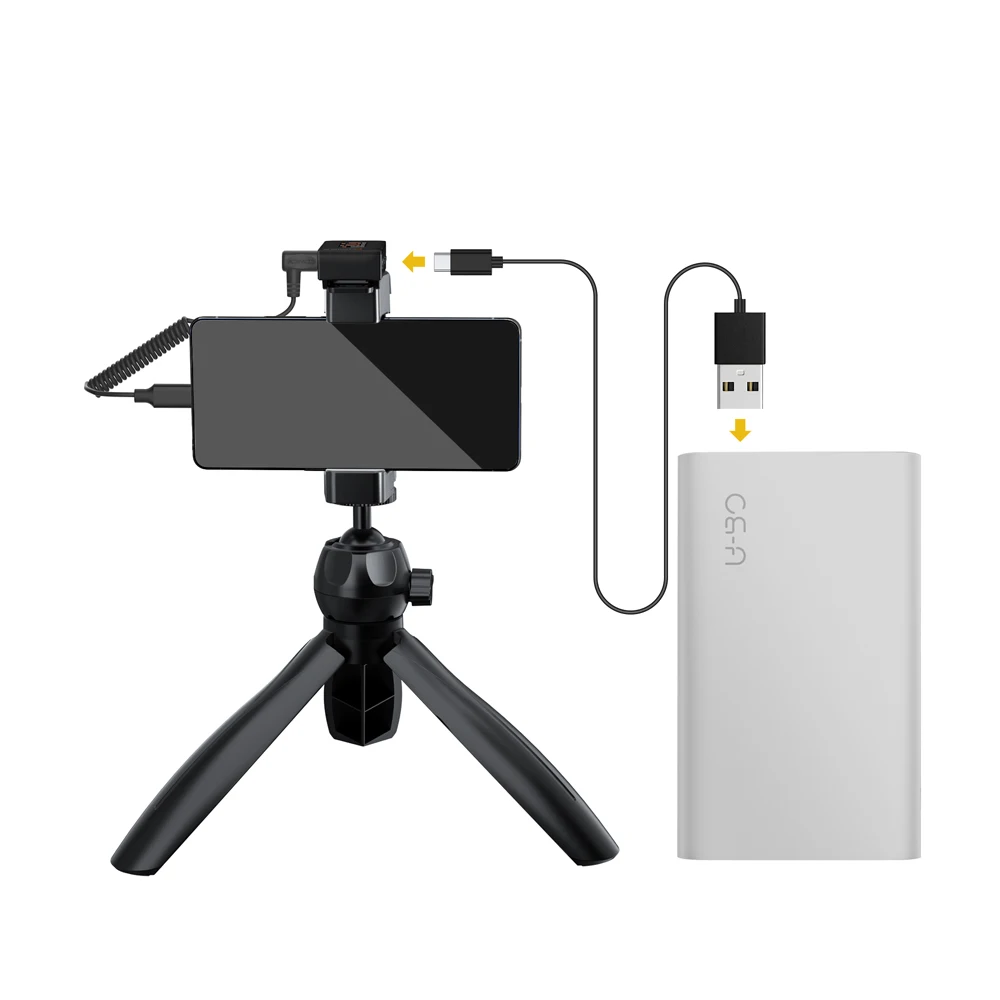
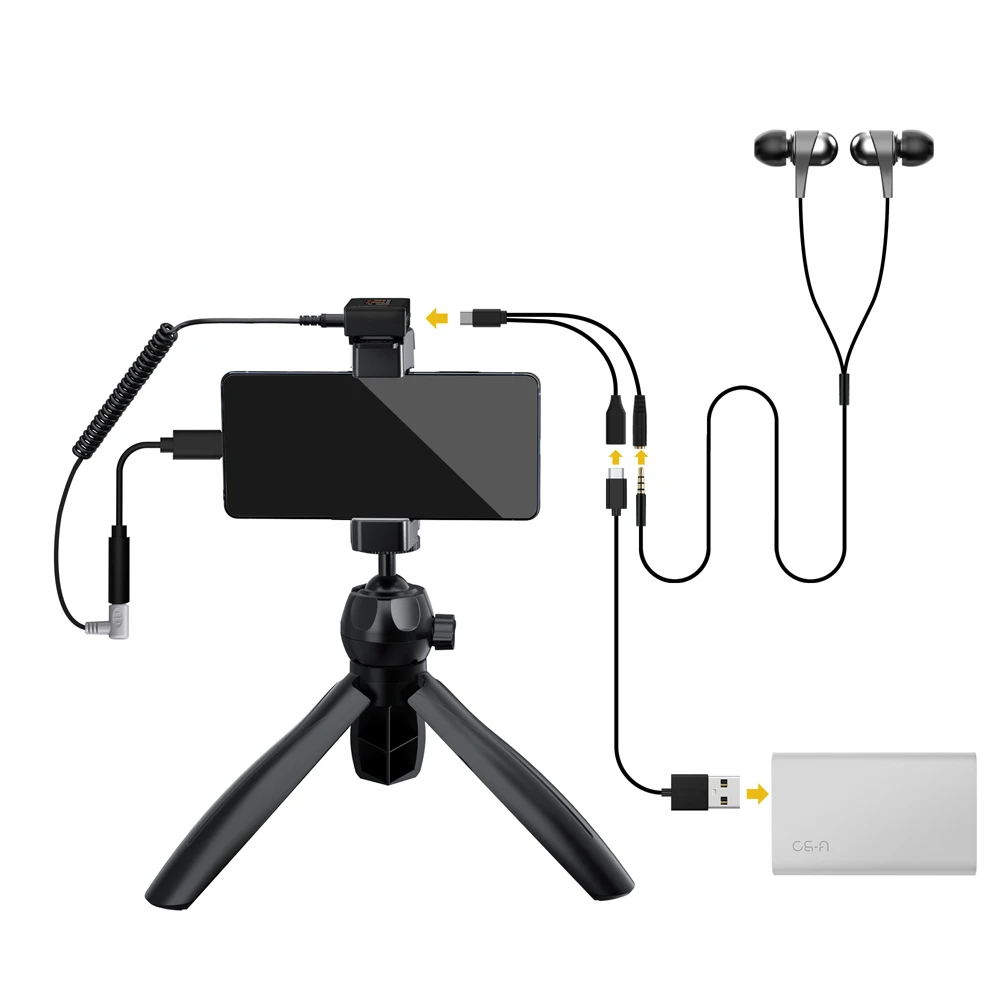
1x 2 in 1 Charging/Monitoring Adapter Cable
1x 3 in 1 Charging Cable
1x User Manual
1x Warranty Card
Bundle 2 ( VimoC3 For Lightning Bundle ) Package Including:
2x Transmitter(TX)
1x Receiver(RX)
1x Charging Case
1x USB C-USB A Charging Cable
2x Wind Muff
1x 3.5mm TRS-TRRS Audio Cable
1x 3.5mm TRS-TRS Audio Cable
1x 2 in 1 Charging/Monitoring Adapter Cable
1x 3 in 1 Charging Cable
1x User Manual
1x Warranty Card
1x TRS-L Microphone Adapter for IOS(iPhone/iPAD) TRS 3.5MM to Lightning Adapter (EACHSHOT TRS-L New)
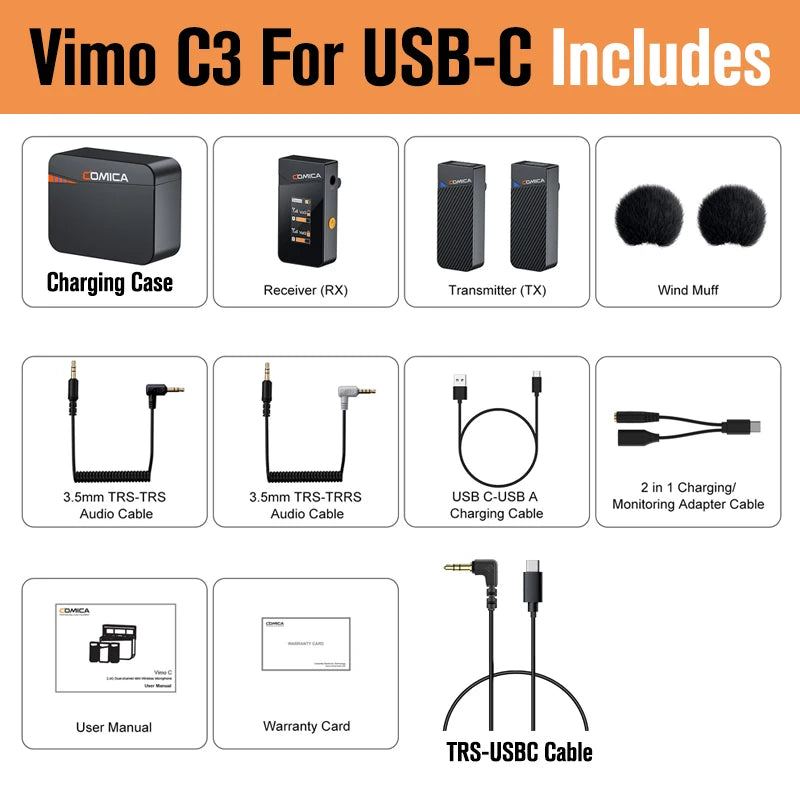
Bundle 3 ( Vimo C3 For USB-C Bundle ) Package Including:
2x Transmitter(TX)
1x Receiver(RX)
1x Charging Case
1x USB C-USB A Charging Cable
2x Wind Muff
1x 3.5mm TRS-TRRS Audio Cable
1x 3.5mm TRS-TRS Audio Cable
1x 2 in 1 Charging/Monitoring Adapter Cable
1x 3 in 1 Charging Cable
1x User Manual
1x Warranty Card
1x EACHSHOT TRS-USBC Cable
Main Feature:
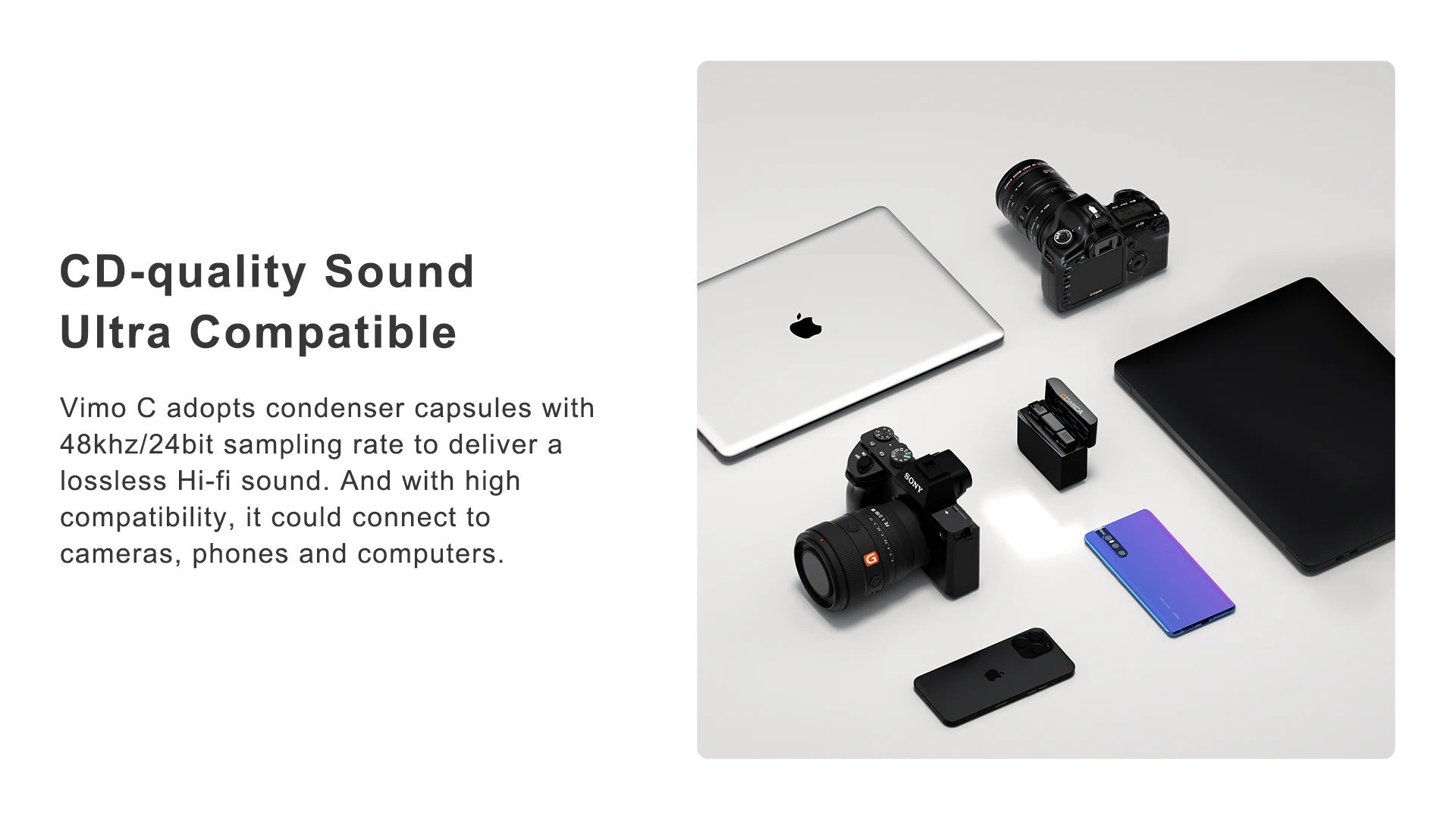
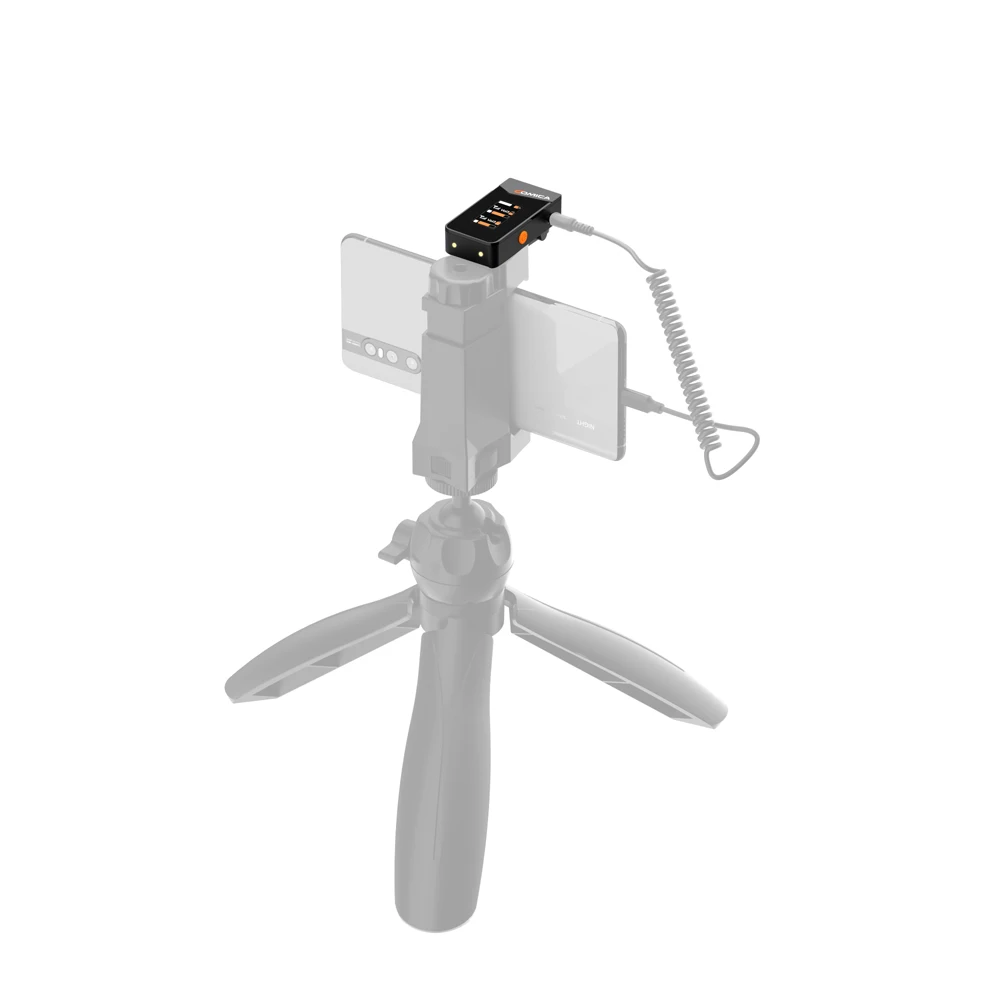
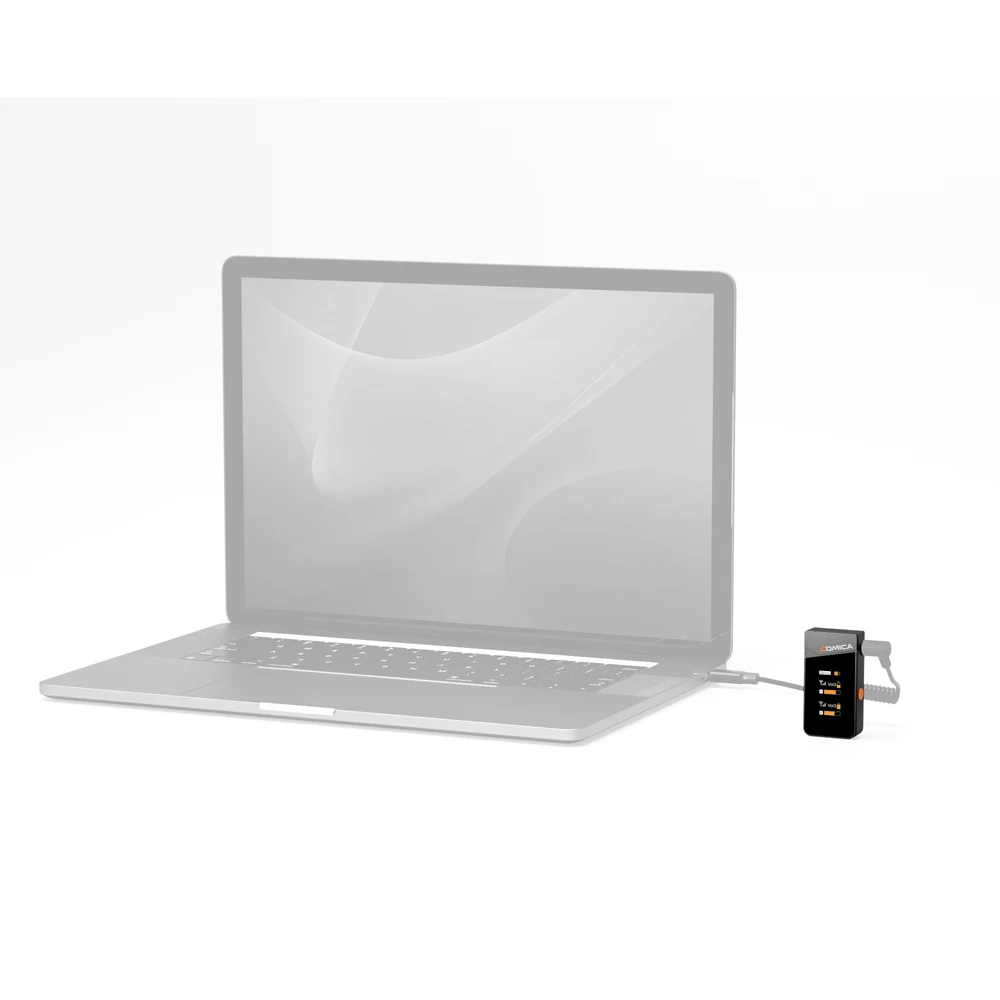
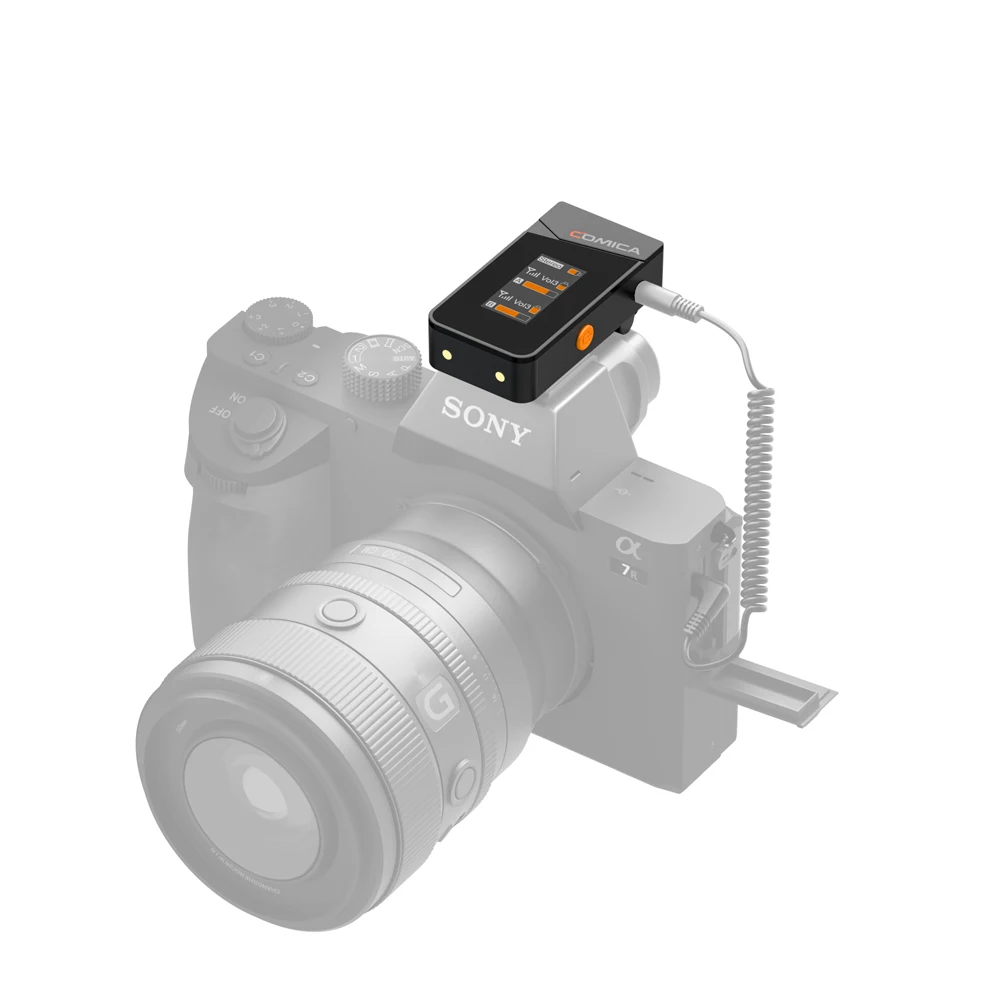
1. Broadcasting-level Sound Quality, Universal for Camera, Phone and Computer
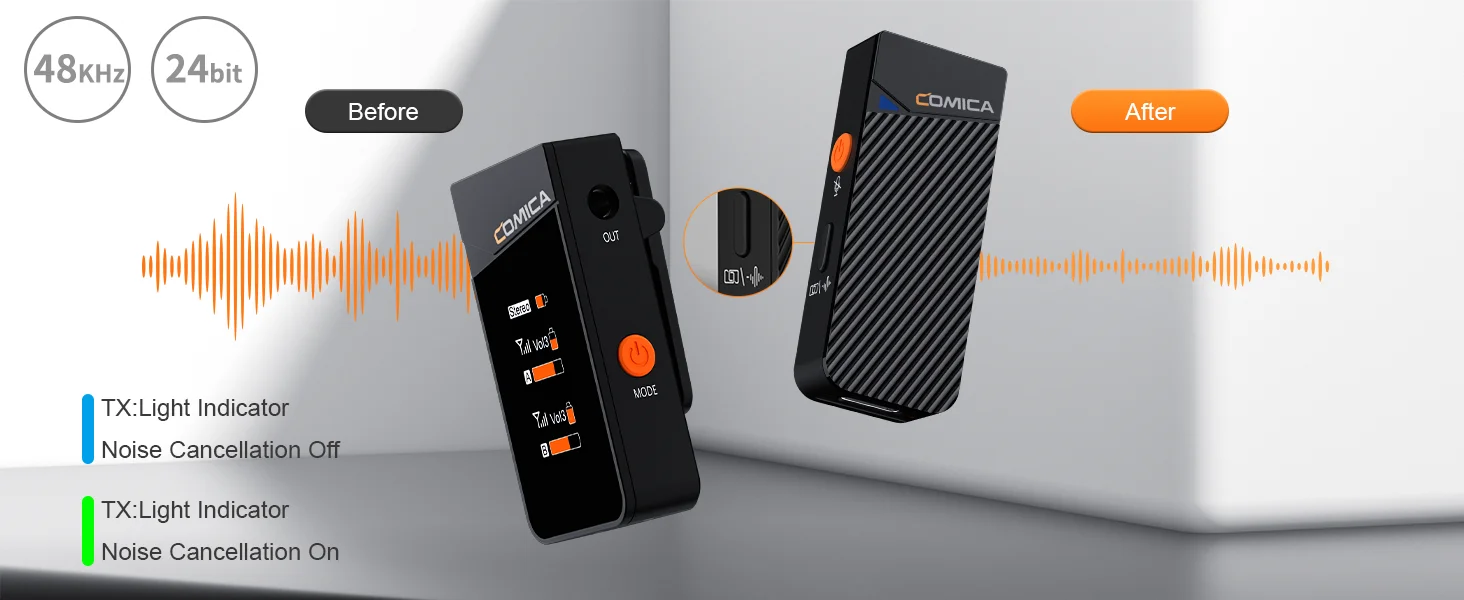
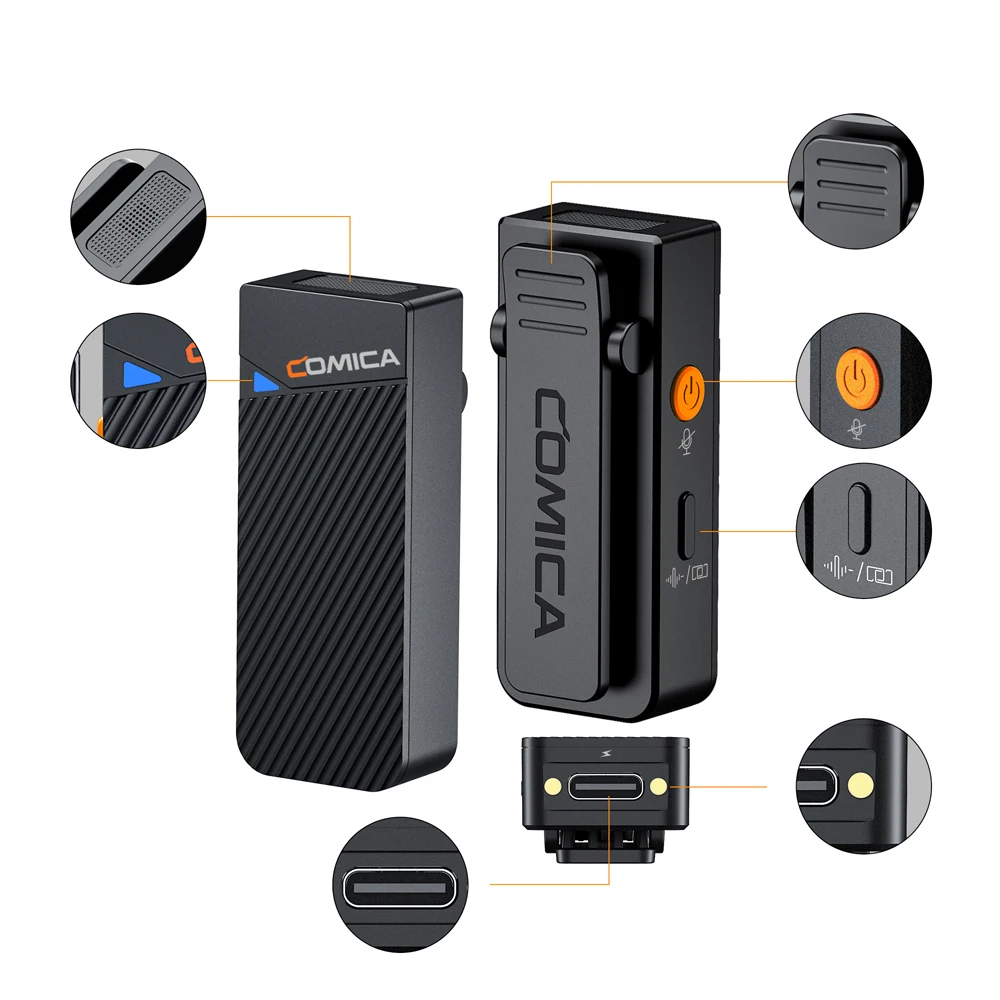
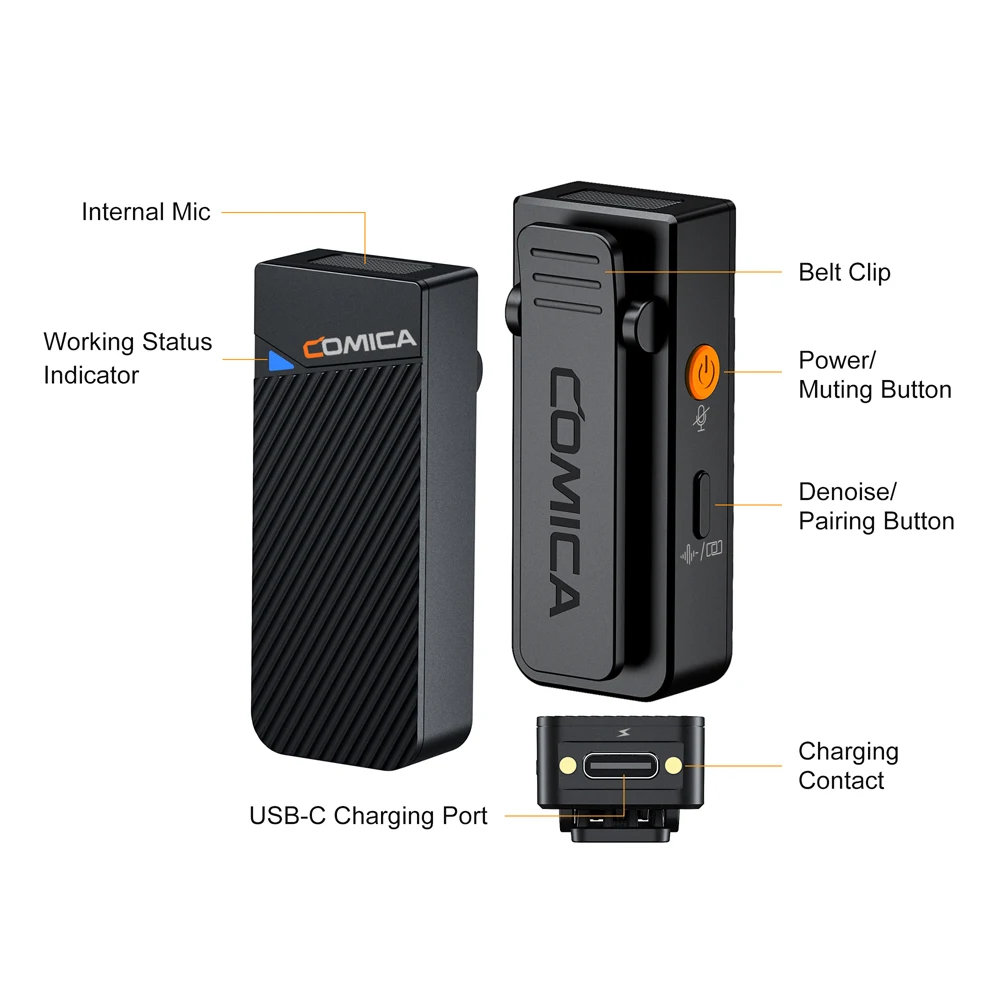
2. Built-in DSP Chip, Support One-key Noise Reduction
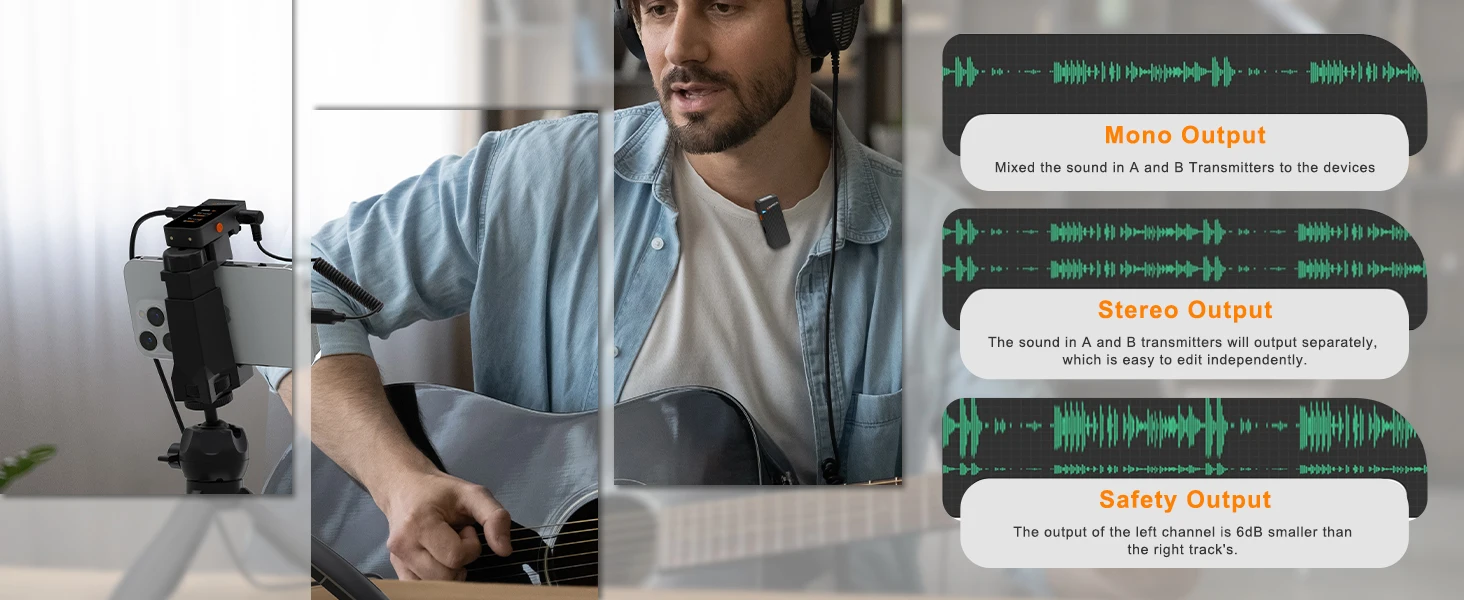
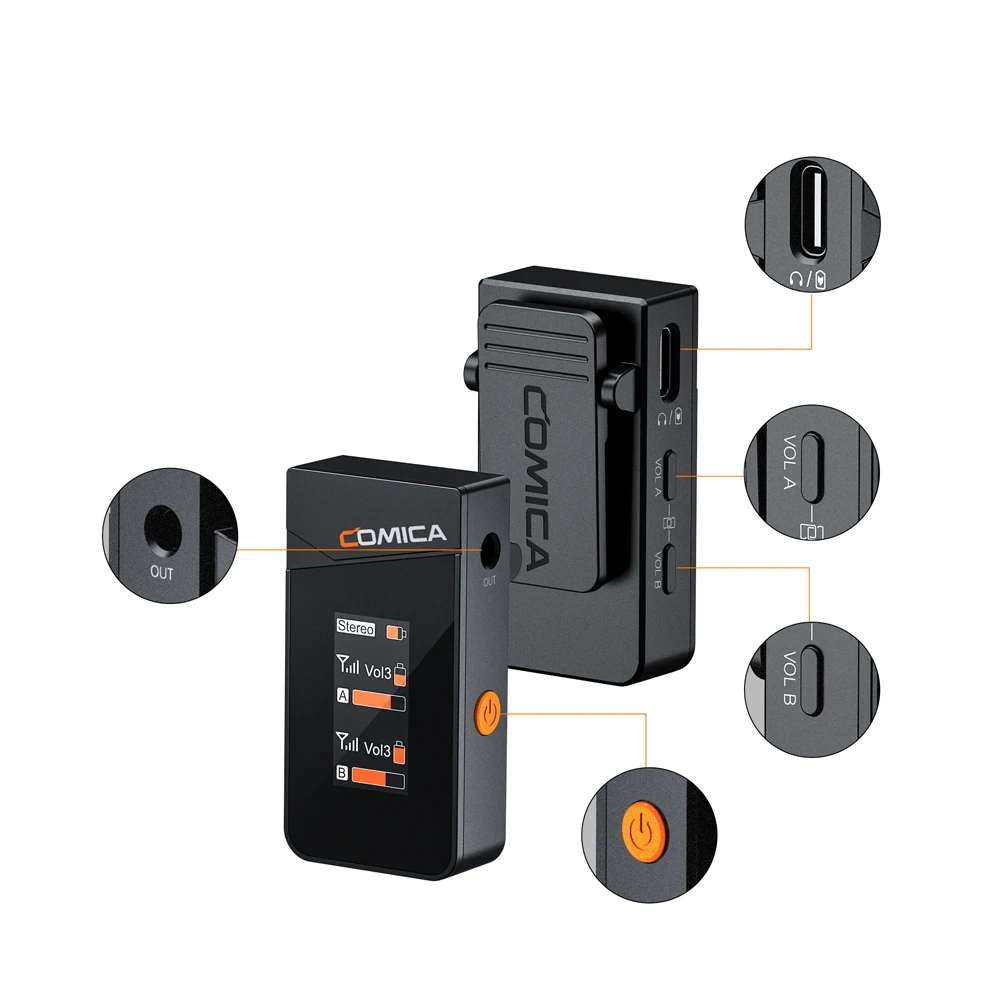
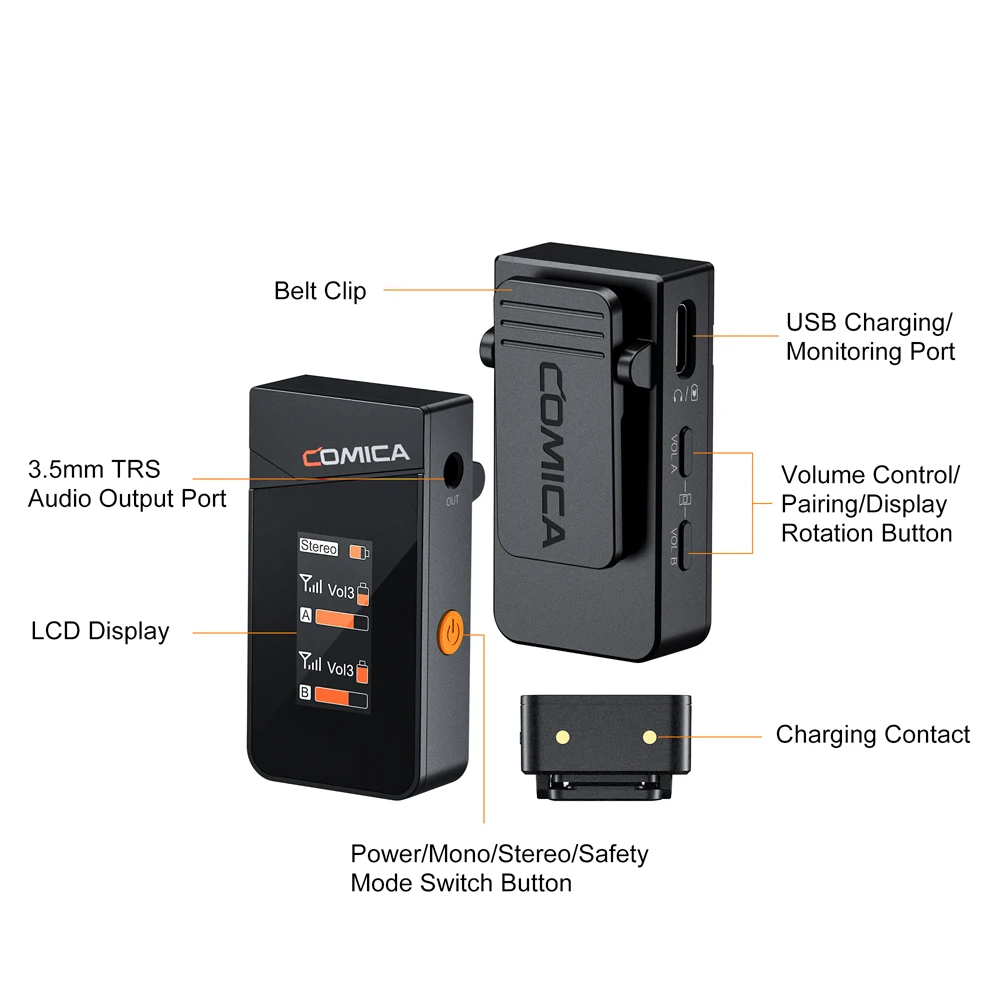
3. Support Real-time Audio Monitor, Mono/Stereo/Safety Channel Switch
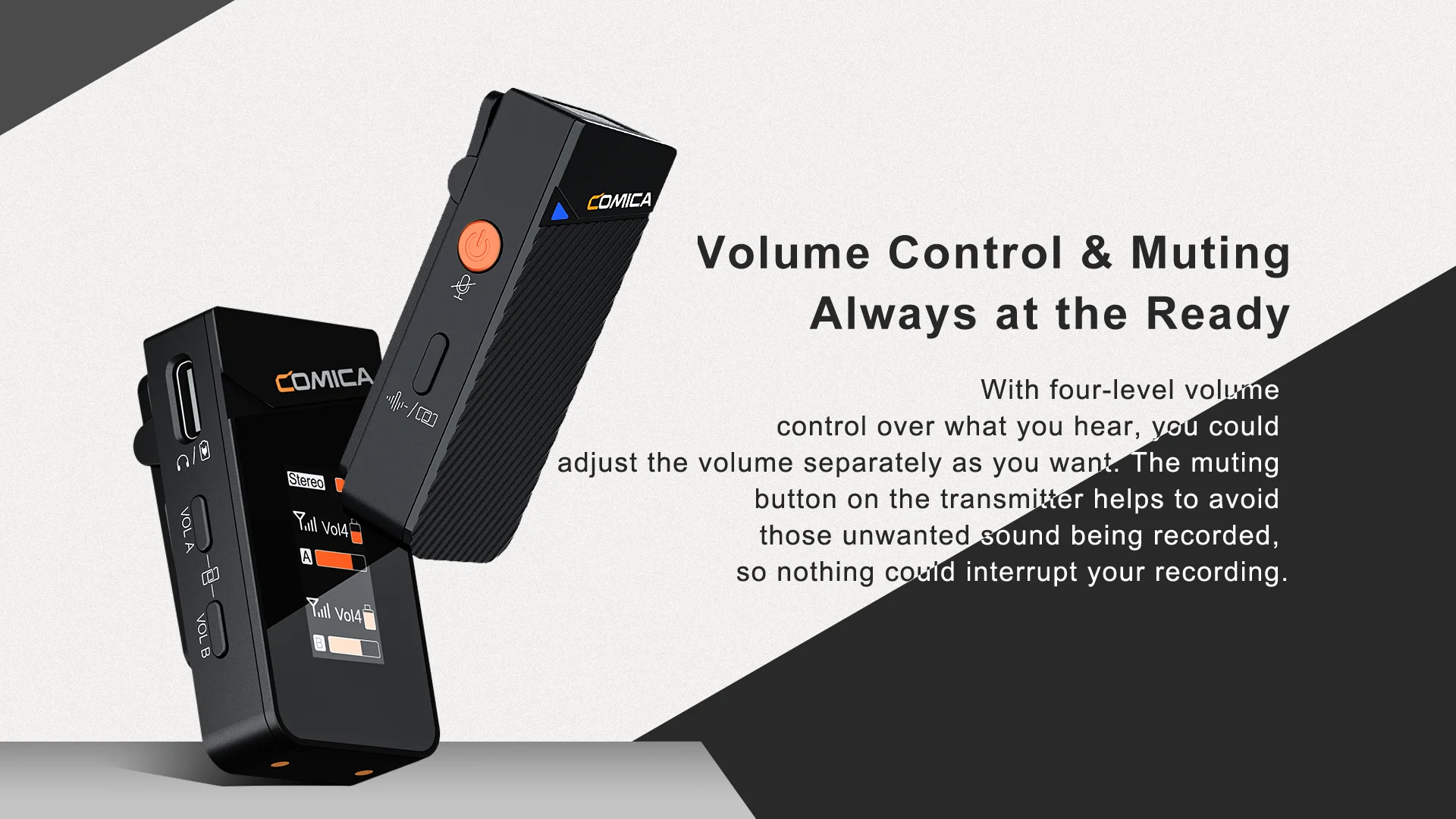
4. 4-level Adjusted Gain Control and One-click Muting
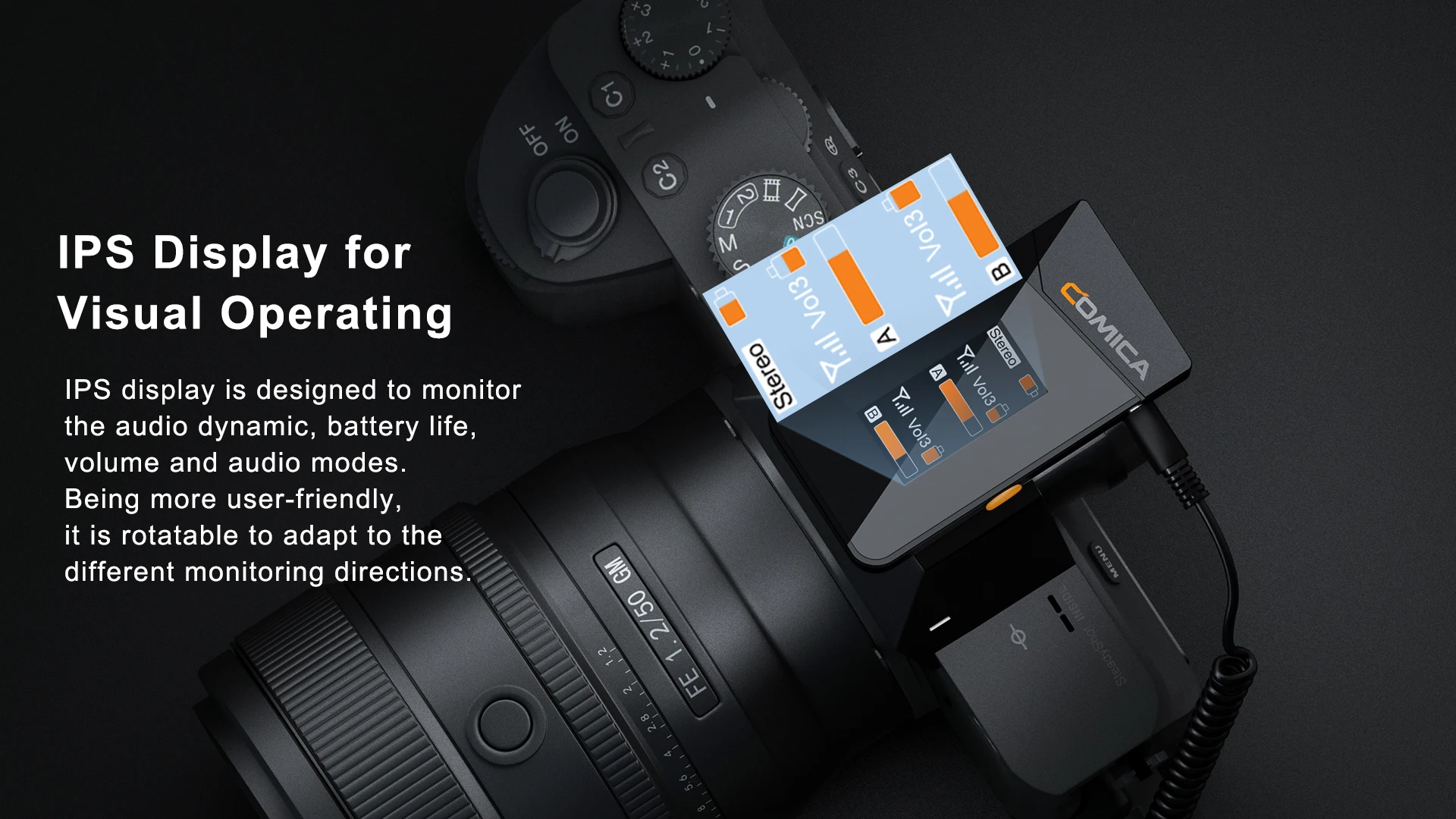
5. Rotatable IPS Display for Intuitive Operation and Usage
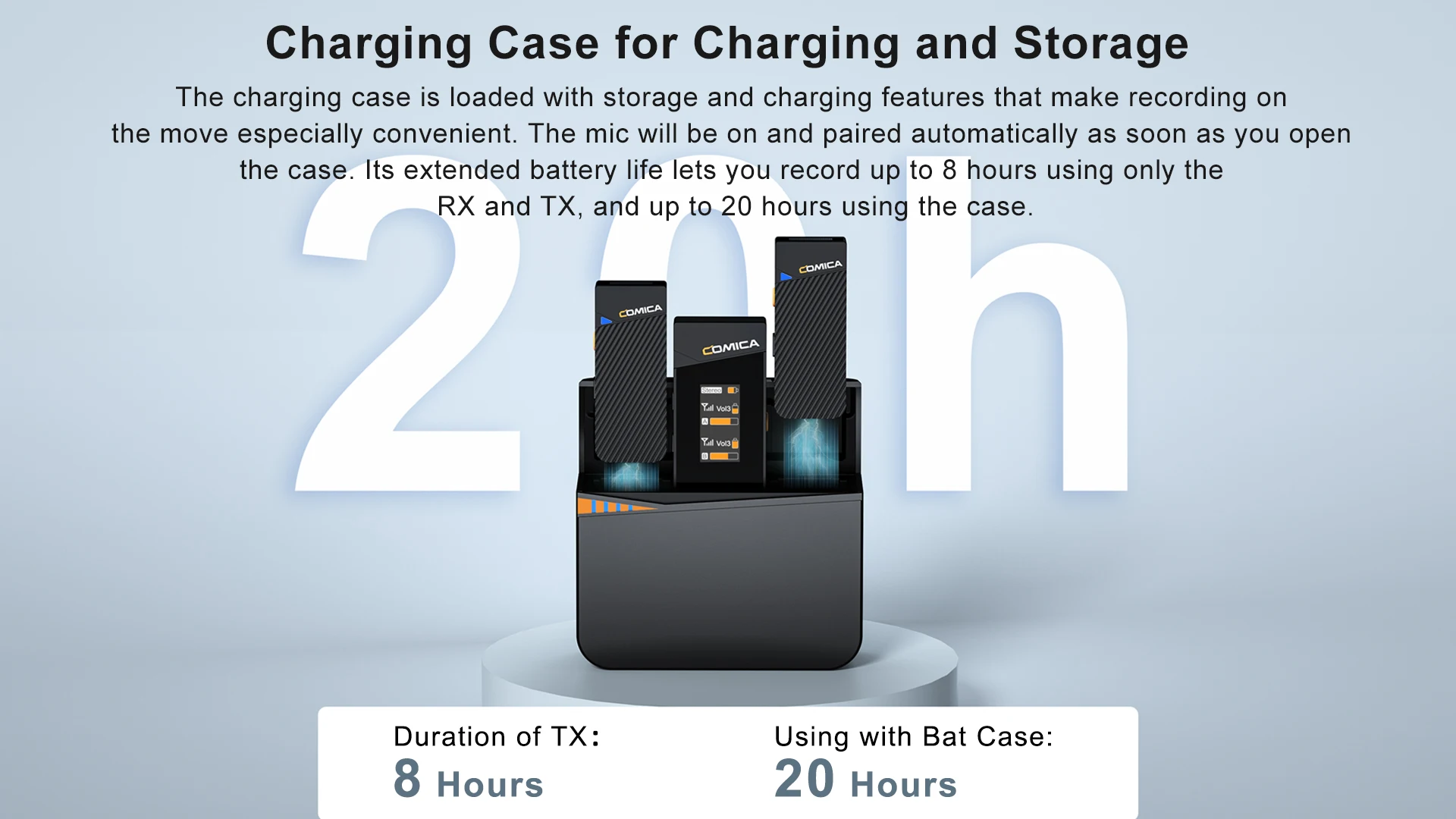
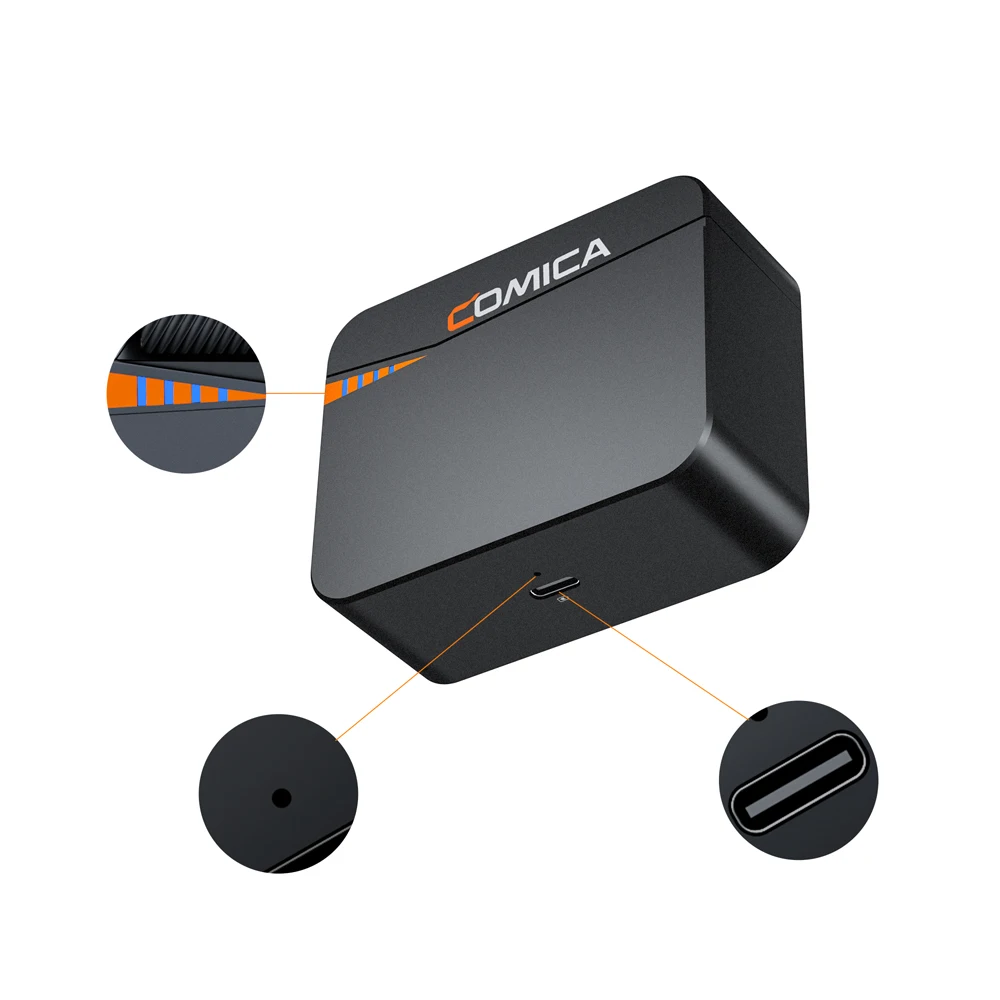
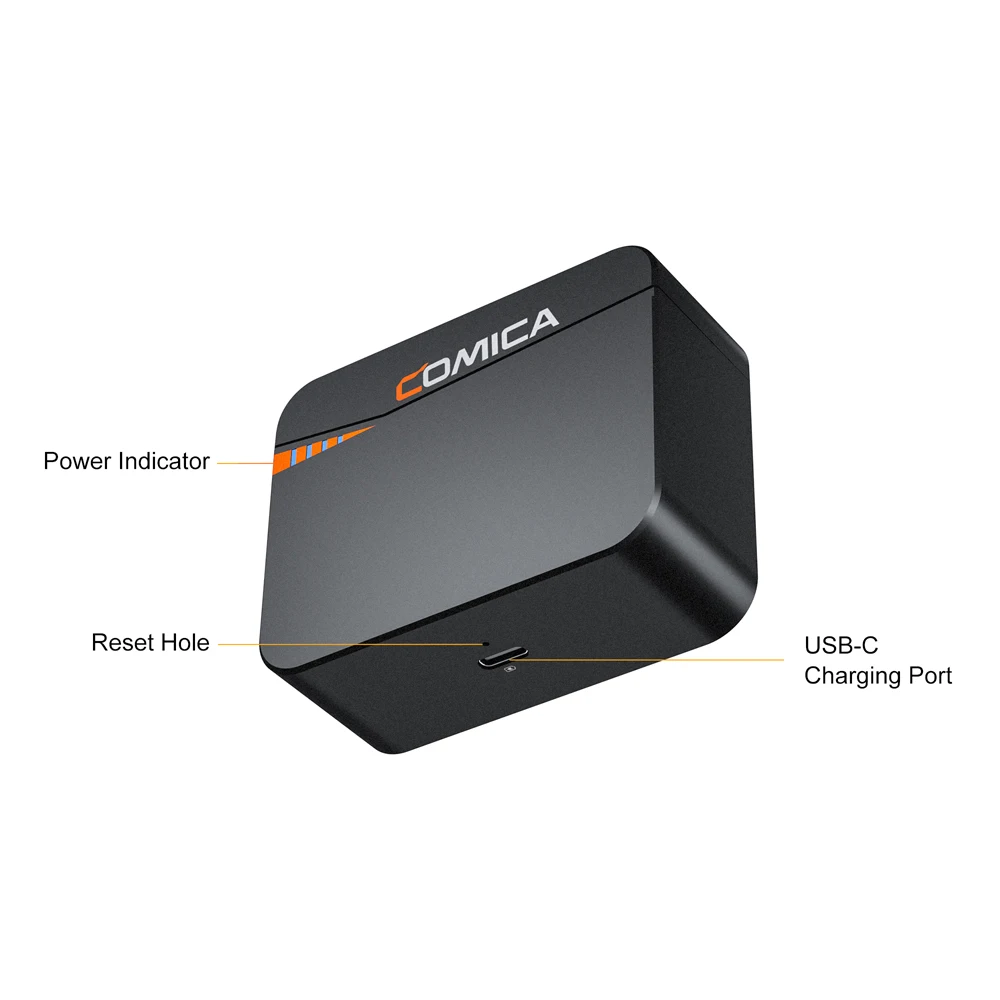
6. Rechargeable Storage Case for Charging, Storingand Power Monitoring
7. Duration Up to 20 Hours, Support Using While Charging
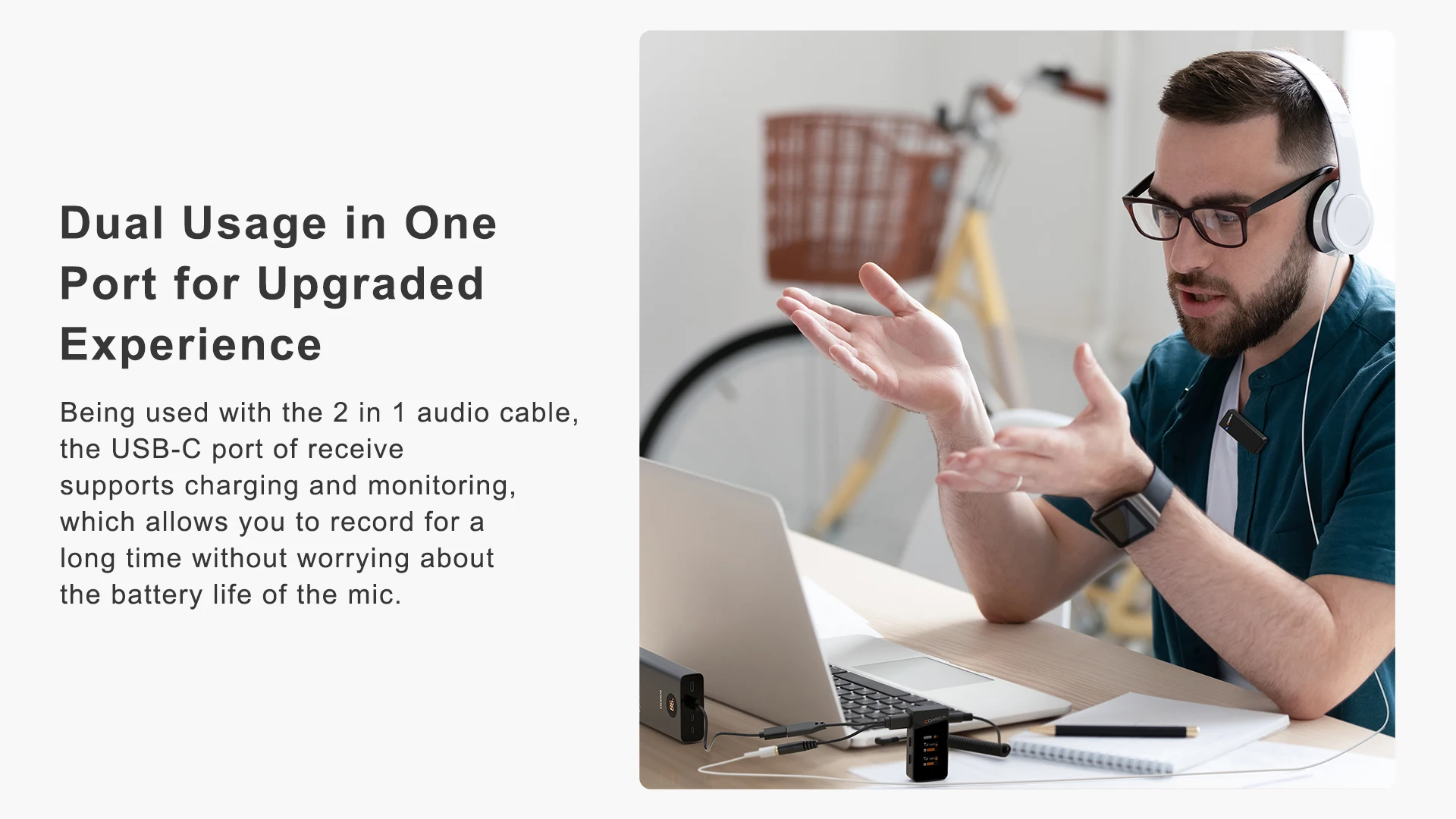
8. Multifunctional USB-C Port for Charging and Monitoring
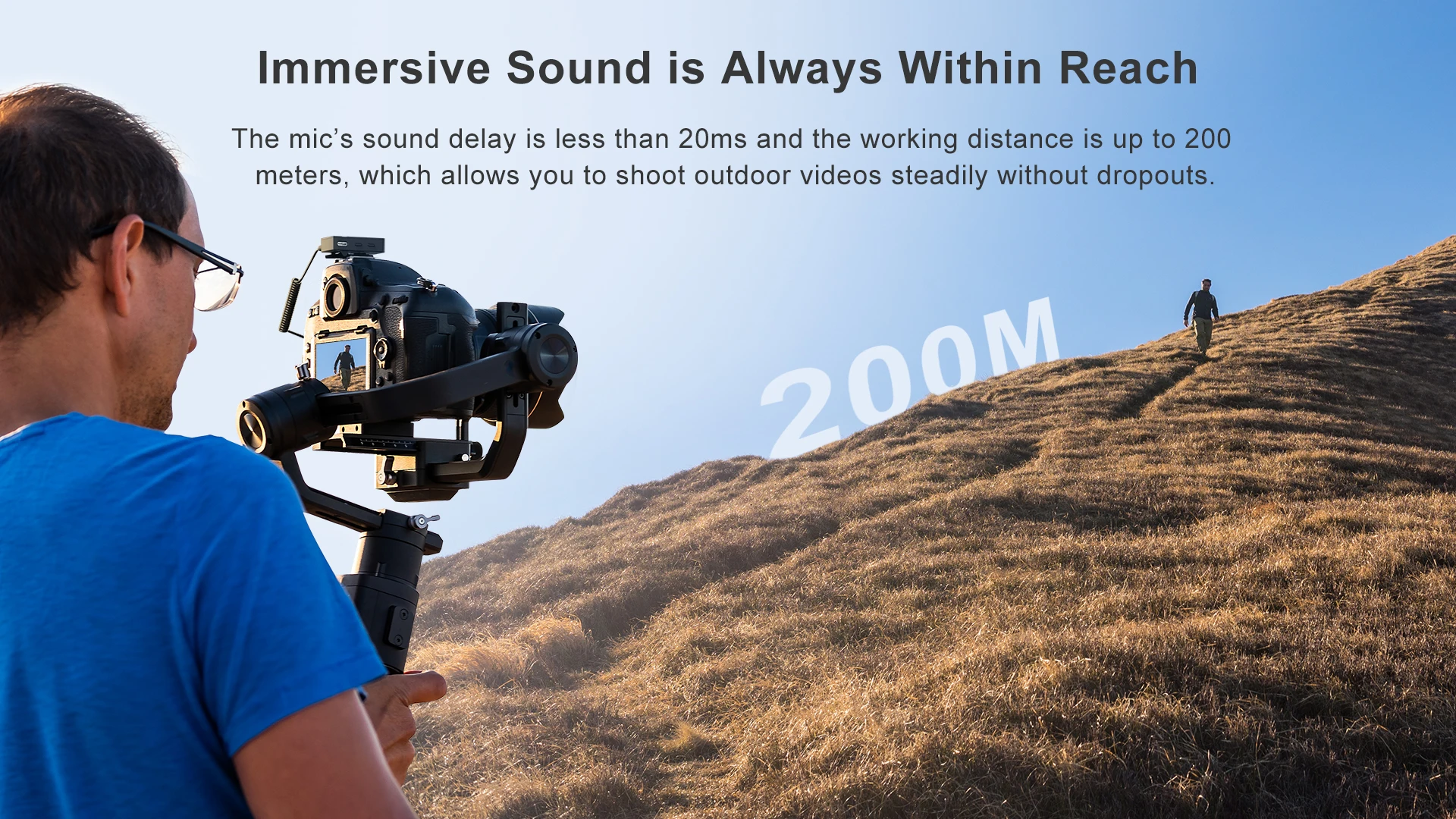
9. Low Latency < 20ms, Working Range Up to 200m(Open Area)
Specification:





Q&A
1. How is the sound quality? What is the difference with other products?
(Vimo C has a high recording standard of 48kHZ sampling rate and 24Bit sampling accuracy, and the radio effect is better than CD-level sound quality.)
2. How to solve recording, I always encounter various emergencies, such as recording other noises without knowing?
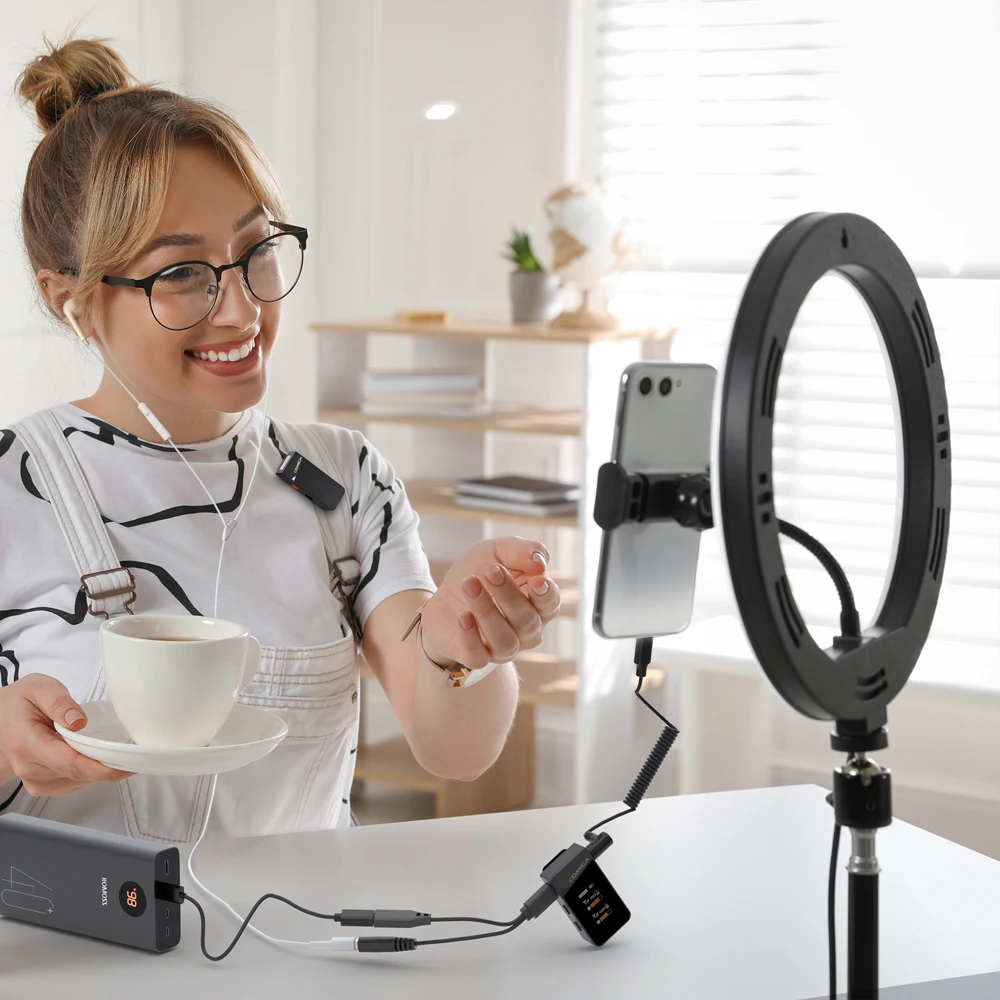
(Vimo C has a real-time monitoring function, which can monitor the radio results at any time, making you more at ease when recording.)
3.How to solve Occasionally encounter microphone popping or intermittent interference sound during recording?
(In response to this problem, we have designed a safe track for Vimo C, which can effectively avoid the situation where the material cannot be used due to the explosion of sound.)
4. hello, I often forget to charge my microphone device, Can I charge it at the same time when I am using it?
(Yes, Vimo C's TX, RX has a USB-C port that can be charged directly, you can charge the microphone while using it, even if you forget to charge it, don’t be afraid.)
5.Does this product have the function of stopping recording instantly?
(Hello, yes, After our continuous optimization, the new function of one-key mute, Vimo C has a one-key mute function, you can short press the power button of the transmitter to mute, and the indicator light will turn red in the mute state)
6. How to solve the noise when Vimo C is connected to the camera to record?
Noise includes environmental factors and equipment factors. First, we should pay attention to environmental factors, such as Wifi, electromagnetic spectrum interference in space, etc.; second, we should pay attention to equipment factors, first adjust the camera volume to an appropriate range, and then adjust the microphone gain according to needs. (*Reference settings: Sony and Fuji cameras recommend that the recording volume should not exceed 5 gears, Panasonic cameras recommend that the volume be adjusted between -12dB--6dB, Canon cameras recommend turning off the automatic level and manually adjusting the camera volume)